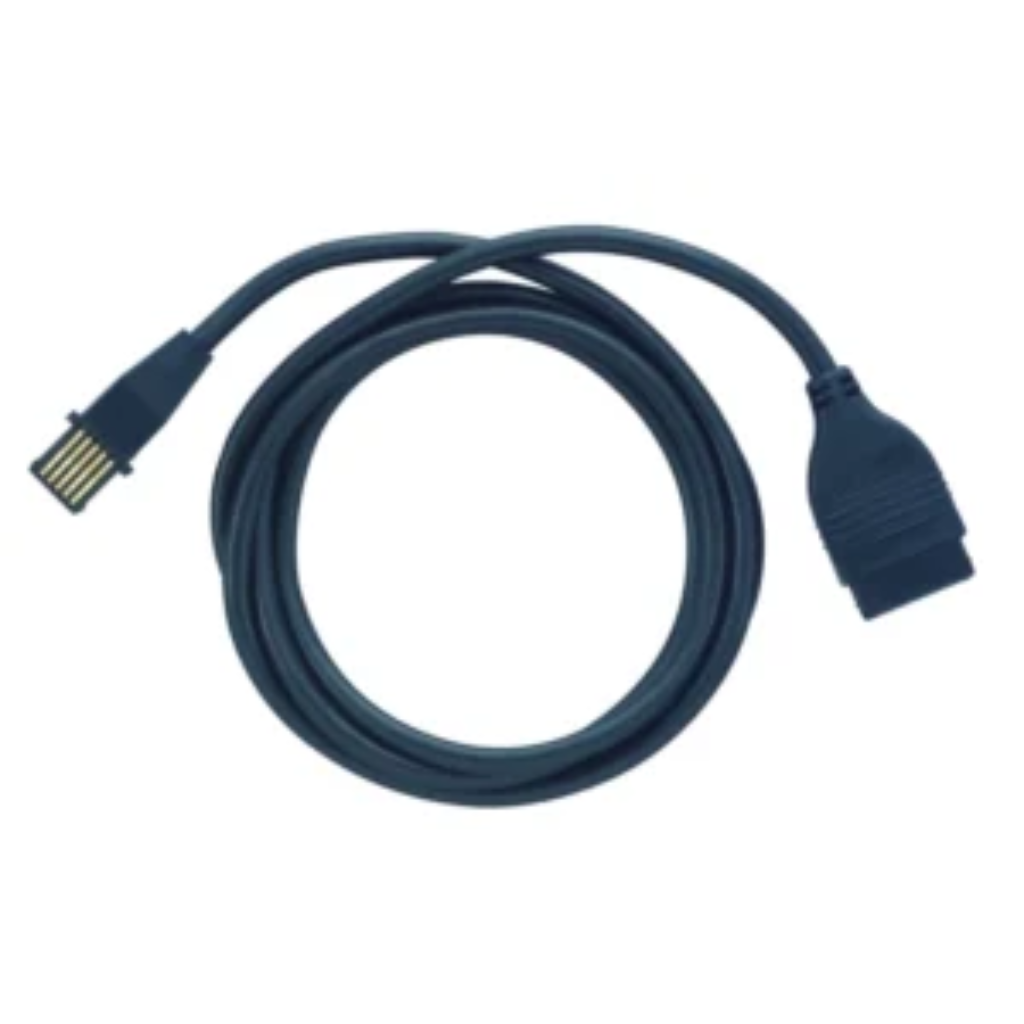
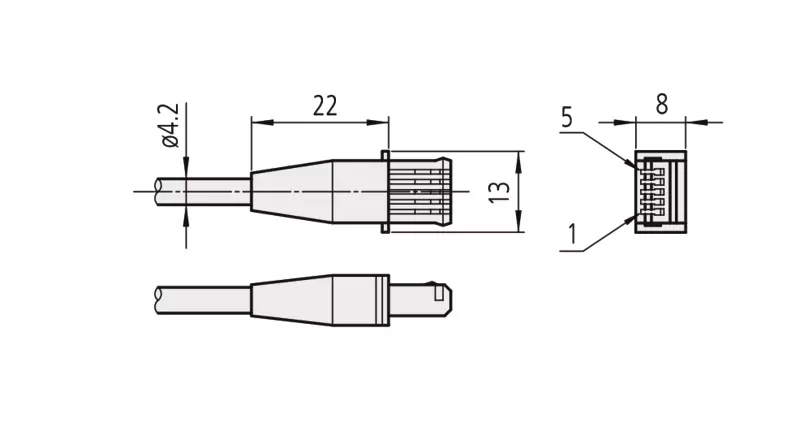
The Mitutoyo Digimatic Cable, Flat Straight Type is designed to connect various Mitutoyo measuring devices with data output to a PC. This cable is part of a broad range of cables that are available to ensure seamless data transfer between your measurement instruments and PC systems. The cables support both direct connections via USB (using USB Input Tool Direct Cables) and indirect connections through standard Digimatic cables paired with interface boxes (such as the DMX box or USB Input Tool Box), or wireless transmitters (U-WAVE-T in box version).
Please Note:
For each specific Digimatic measuring instrument, it’s crucial to refer to the official site (shop.mitutoyo.eu) to find the appropriate cable.
Warranty
Warranty Coverage:
Cable comes with a one-year limited warranty from the date of purchase. This warranty covers defects in materials and workmanship under normal use.
What Is Covered:
- Manufacturing defects
- Hardware malfunctions
What Is Not Covered:
- Damage resulting from misuse, abuse, or accidents
- Unauthorized modifications or repairs
- Normal wear and tear
How to Make a Warranty Claim:
- Proof of Purchase: Retain your original receipt or proof of purchase.
- Contact Customer Support: Reach out to our support team via (support@twinbot.in)
- Provide Details: Describe the issue and provide any relevant information.
- Follow Instructions: Our team will guide you through the warranty claim process.
Additional Information:
- This warranty is valid only for products purchased directly from us or through our authorized retailers.
- Warranty claims are subject to verification of the defect.
- We reserve the right to repair, replace, or refund the product at our discretion.